
Inbox
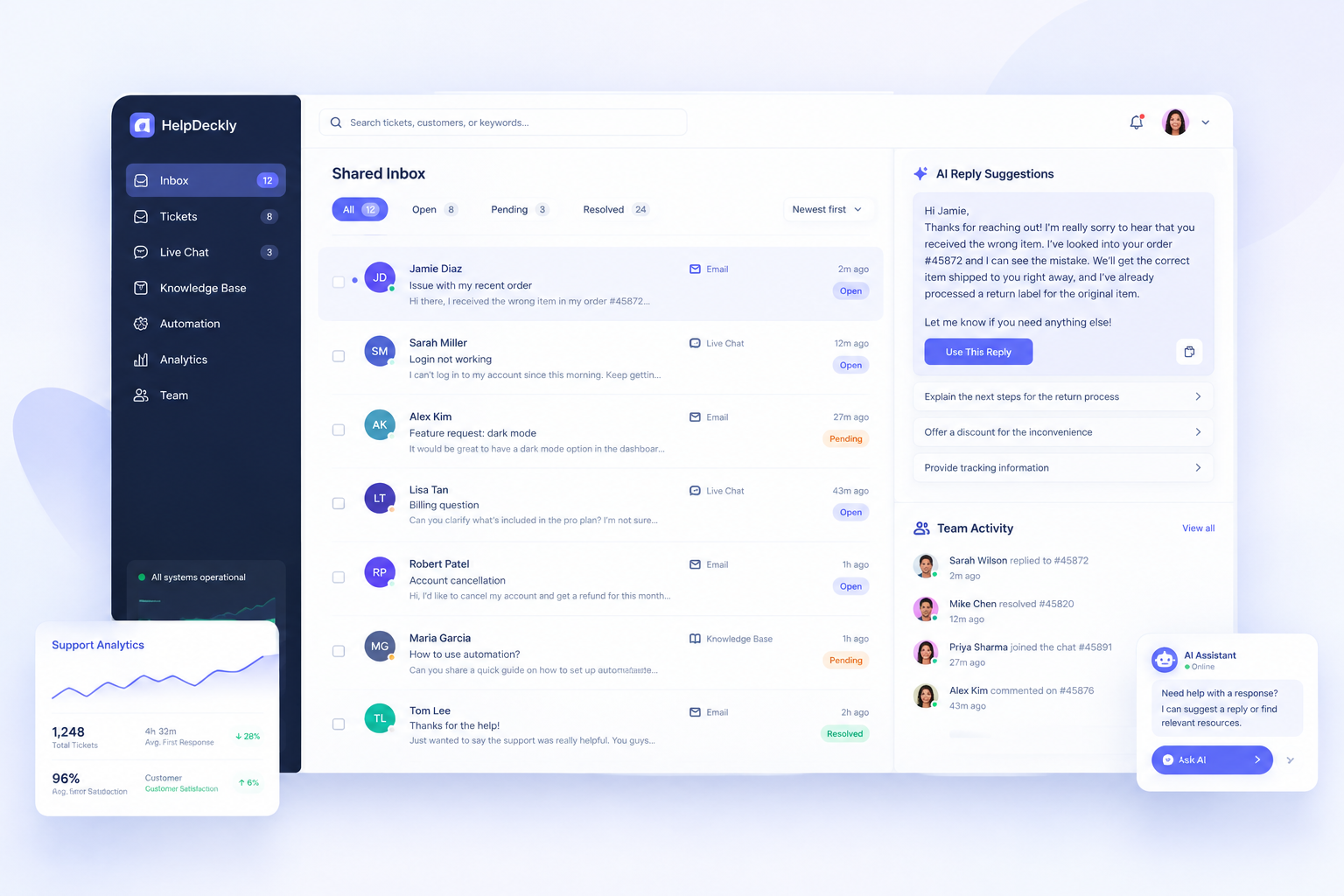
See every customer conversation in one organized place.
Features
HelpDeckly brings inboxes, tickets, AI replies, and collaboration into one clear workspace so your team can resolve issues faster without the usual support chaos.
Product capabilities
Scan the core tools that keep conversations organized, fast, and customer-friendly.
See every customer conversation in one organized place.
Send issues to the right teammate quickly and clearly.
Set rules that reduce repetitive manual work.
Support visitors in real time from the same workspace.
Reply faster with smart draft assistance built into the flow.
Reuse common responses while keeping support consistent.
Collaborate privately inside conversations without losing context.
Understand response activity and team performance more clearly.
Smart automation
HelpDeckly turns repetitive support steps into guided automations—triggering actions, routing requests by intent, and using AI suggestions so your team resolves faster without losing the human touch.
Workflow rail
Live automationSuggest AI active
AI drafts replies and recommends macros based on similar resolved tickets.